
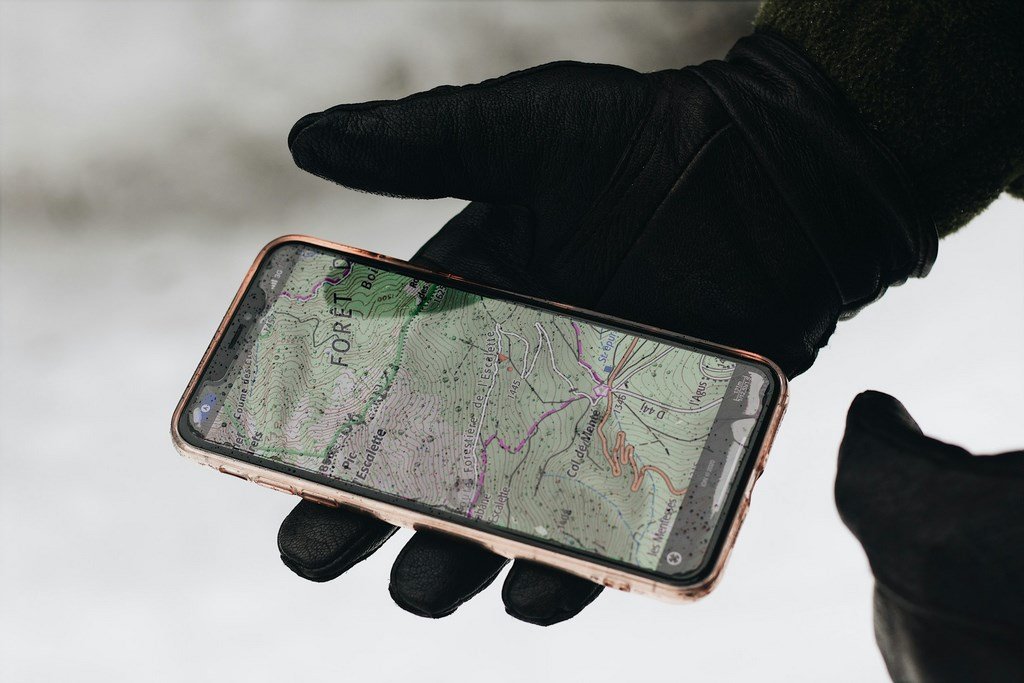
There was a time when planning a hike in the UK meant sitting at a kitchen table, wrestling with a massive paper map, and tracing a route with a pencil and a piece of string. While there is still a romantic charm to that (and we always recommend carrying a compass!), the digital revolution has transformed how we explore the Great British outdoors.
In 2026, the power to discover a hidden waterfall in the Brecon Beacons or a secret coastal path in Cornwall sits right in your pocket. But with the App Store cluttered with “freemium” trackers and data-hungry navigators, which ones actually earn a spot on your home screen?
As a traveller who has tested these apps on the wind-battered ridges of the Cairngorms and the sun-drenched paths of the South Downs, I’ve narrowed it down to the “Fantastic Five.” These are the apps that provide genuine value, reliable offline data, and the inspiration to keep you lacing up your boots weekend after weekend.
Why You Need a Dedicated Route Planner
Using “Standard” maps for hiking is a common mistake. They often lack contour lines, fail to show public rights of way, and—crucially—don’t account for the fact that mobile signal vanishes the moment you enter a valley. A dedicated hiking app provides:
Topographic Detail: Understanding the “lay of the land.”
Community Intel: Real-time updates on path conditions (e.g., “this field is currently a bog!”).
Safety Features: Sharing your live location with loved ones.
1. OS Maps (The British Standard)
If you are hiking in the UK, the Ordnance Survey is the undisputed king. While the “Premium” version offers the iconic 1:25,000 maps, the free version is an incredible tool for discovery.
The Best Feature: The “Greenspace” layer. It highlights parks and public access areas that you might not even know exist in your own town.
2026 Update: The new augmented reality (AR) feature allows you to point your phone at a distant peak and see its name and altitude instantly.
2. AllTrails (The Community Powerhouse)
AllTrails has become the world’s most popular hiking app by crowdsourcing its data. It’s the “TripAdvisor of Trails.”
The Best Feature: The verified reviews. Before you head out, you can see photos and comments from people who walked the route yesterday.
Ideal For: Families and beginners who want to know exactly what to expect.
3. Komoot (The Adventure Architect)
Komoot is different because it focuses on “routing.” Instead of just showing you a path, it lets you build one based on your fitness level and the type of terrain you prefer.
The Best Feature: The “Highlights” system. Users pin specific spots—like a particularly good view or a great coffee van—which you can then “snap” your route to.
Ideal For: Multi-day trekkers and those who like to customize every mile.
4. Outdooractive (The Technical Choice)
Following its merger with ViewRanger, Outdooractive has become a powerhouse for technical hikers who want detailed vector maps and pro-grade planning tools.
The Best Feature: The “Skyline” tool, which uses your camera to overlay peak names and navigation arrows onto the real-world view.
Ideal For: Navigating the more complex terrain of the Scottish Highlands or Snowdonia.
5. Strava (The Social Motivator)
While primarily known for runners and cyclists, Strava’s “Routes” and “Heatmaps” are game-changers for hikers who want to see where the locals actually go.
The Best Feature: Global Heatmaps. If a path looks faint on a map but is bright red on the heatmap, you know it’s a well-trodden and reliable route.
Ideal For: Fitness-focused hikers who want to track their “Vertical Gain” and share their adventures with friends.
Comparison: Top 5 Apps at a Glance
| App | Best For… | Free Offline Access? | Key UK Benefit |
| OS Maps | Accuracy & Local Knowledge | Limited (Standard Map) | The “Gold Standard” for UK terrain |
| AllTrails | Reviews & Photos | No (Requires Pro) | Real-time path condition updates |
| Komoot | Custom Route Planning | One Region Free | Tailors routes to your fitness |
| Outdooractive | Technical Navigation | No (Requires Pro) | Professional-grade vector maps |
| Strava | Community & Heatmaps | No | Shows the most popular local paths |
3 Tips to Master Digital Navigation in 2026
Download Before You Go: Never assume you’ll have 5G in the fells. If the app allows it, download your route for offline use while you’re still on your home Wi-Fi.
Calibrate Your Compass: Every few weeks, perform the “figure of eight” motion with your phone to ensure the internal compass is accurate. A 10-degree error can put you on the wrong side of a ridge!
The “Power Bank” Rule: GPS is a notorious battery drain. If you are using your phone as your primary navigator, always carry a small power bank and a charging cable. (See our guide: “How to Save Phone Battery on the Trail”).
FAQ: Digital Hiking in the UK
1. Are these apps actually free?
All of them have a “Free Forever” tier that allows you to browse and plan routes. However, “Pro” features like offline map downloads or 3D previews usually require a subscription.
2. Is my phone GPS as accurate as a dedicated GPS device?
In 2026, yes. Most modern smartphones use multiple satellite systems (GPS, GLONASS, GALILEO). The main difference is battery life and ruggedness—dedicated devices are tougher, but phones are more intuitive.
3. Do these apps show Public Rights of Way?
OS Maps and Outdooractive are the best for this. AllTrails and Komoot sometimes show “unofficial” paths, so always cross-reference with an official map if you are unsure about access rights (see our article on “The UK Right to Roam”).
4. Can I use these apps on my Apple Watch or Garmin?
Most of them (especially Komoot and Strava) have excellent “Sync” features that allow you to send a route from your phone to your watch for wrist-based navigation.
5. Which app is best for finding dog-friendly walks?
AllTrails is the winner here. Their “Dog Friendly” filter is excellent, and the user reviews often mention if there are stiles that are difficult for large dogs to climb over.